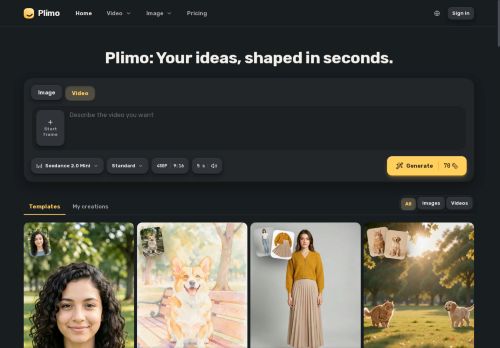

About Freepik AI Image Generator
Freepik’s AI image generator tool lets you create 3 images for free every day. Just type in your image prompt and click “Generate” to get 4 unique AI images! You can also choose between different styles for your images, currently there are four styles: Photo, Digital Art, Painting, and 3D. After you’ve run out of free image generations, you’re free to continue browsing and download other AI generated images from the public Freepik gallery. You can also edit your images with Freepik’s built-in photo editor.
Based on 4 verified user reviews — Average rating: 4.00/5
@jackhoward7708
TurkeyFreepik AI Image Generator rutin işlerde hızımı artırdı. Şimdilik sonuçlardan memnunum.

@beverlyking4871
TurkeyBeyin fırtınası ve ilk taslaklar için harika. Bu ay birkaç saatimi kurtardı.

@janicebrown2353
TurkeyI have been using Freepik AI Image Generator for a few weeks on real client work, not just demos. The first week was mostly learning prompts and figuring out which templates stick. After that, drafting time dropped noticeably — especially for outlines, email replies, and first-pass summaries. It is not flawless: long documents sometimes lose structure, and I still fact-check anything important. Still, for a busy week it has become one of the tools I open without thinking. If you already have a clear workflow, Freepik AI Image Generator fits in cleanly. If you expect magic with zero editing, you will be disappointed. For me, the time saved on the boring middle steps is worth it.

@vanquishe
TurkeyUseful features without overwhelming menus. A practical AI addition to my toolkit.
More Images AI Tools
Explore other images tools with user ratings, pricing details, and in-depth descriptions. Updated regularly by our editorial team.