
About HumanizeAI
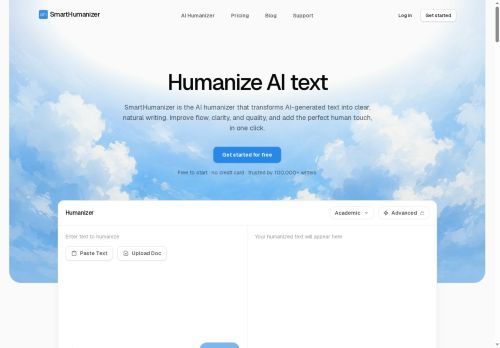
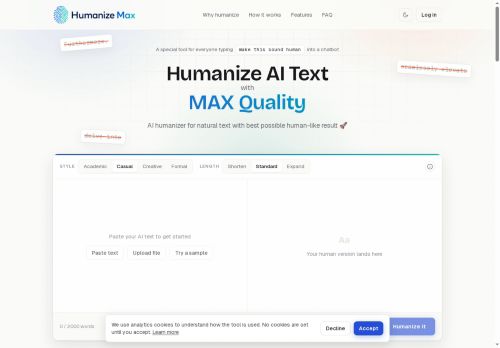
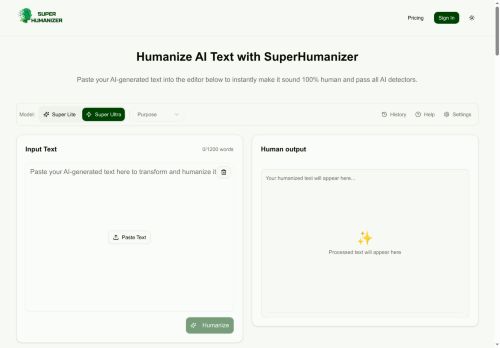
The interface is browser‑compatible, works on desktops, tablets, and smartphones, and requires no registration or subscription. The tool supports multiple languages including English, Chinese, Russian, Arabic, and Japanese, and can process any length of text.
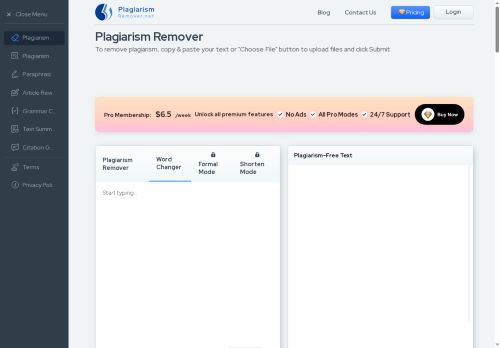
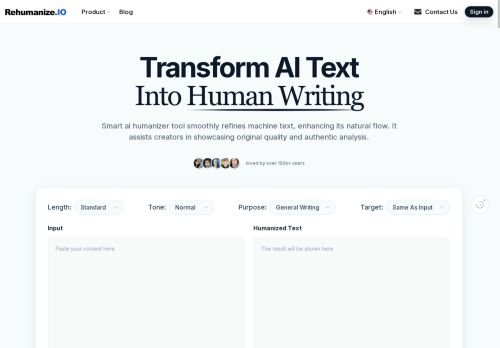
It removes plagiarism by re‑expressing ideas in unique wording, and its algorithm bypasses common AI detection systems. Content creators, marketers, students, educators, and business professionals can use Humanize AI to produce authentic, engaging copy quickly and securely.
Key Features
- AI-to-human text conversion
- Plagiarism-free content output
- AI detector bypass
- SEO-friendly keyword retention
- Multilingual language support
- Browser and device compatibility
- No registration required
Use Cases
- Rewrite AI-generated blog drafts into natural, SEO‑friendly articles that read like human authors, eliminating plagiarism and detection flags
- Localize AI‑created marketing copy into multiple languages while preserving brand tone and search engine ranking, all without registering or extra software
- Convert AI-generated legal or compliance documents into clear, accessible language that keeps key terminology, ensuring readability for non‑experts and avoiding plagiarism
Who is it for?
- Creative designers
- Marketing strategists
- Business operators
- Academic learners
- Content producers
Based on 7 verified user reviews — Average rating: 4.14/5

@vyecker5257
TurkeyUsing HumanizeAI regularly now. Saves time when the brief is clear.

@frankrobinson6330
TurkeyWorks smoothly on desktop. Would love more export options, but the core experience is good.

@elizabethross2768
TurkeyGood value for everyday tasks. Output needs light editing, which is fine.


@reyaoster6669
TurkeyHumanizeAI ilk geçişler için işime yarıyor. Mükemmel değil ama faydalı.

@williammartin7522
TurkeyReally useful for my workflow. Setup was quick and the results were better than I expected.
More Paraphraser AI Tools
Explore other paraphraser tools with user ratings, pricing details, and in-depth descriptions. Updated regularly by our editorial team.