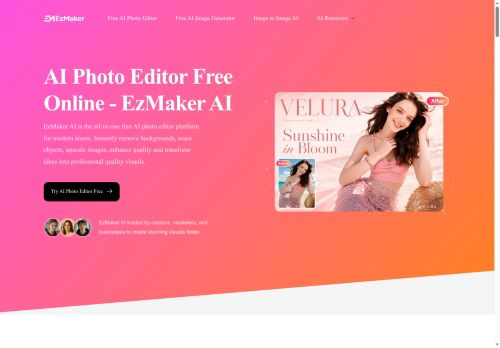

About EzMaker AI
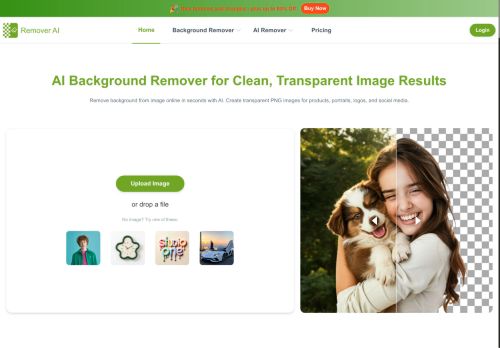
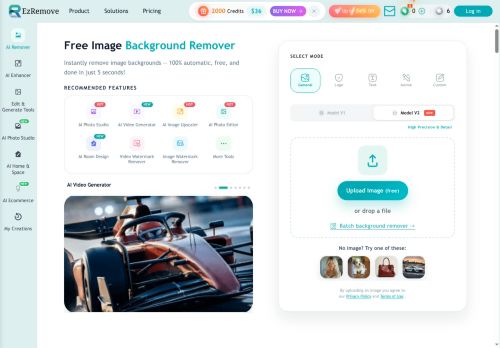
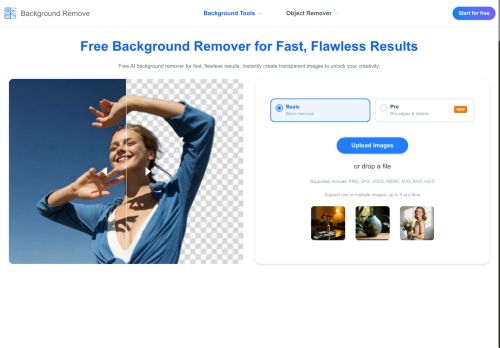
Features include fast processing, export options optimized for web and mobile, and workflow presets for product and portrait images.The interface is designed for quick edits to reduce manual editing time.
Local presence in the Central Region can support teams seeking region-specific onboarding and support.
Key Features
- Automated image enhancement
- Background removal
- Retouching
- Batch processing
- Workflow presets for product and portrait images
Use Cases
- Process large e‑commerce product catalogs using ezmaker ai to batch remove backgrounds, apply product retouching and color corrections via workflow presets, and export web- and mobile-optimized images ready for marketplaces and ad campaigns without manual Photoshop work
- Automate client photo deliveries for professional photographers by applying portrait editing presets, automated enhancements and blemish retouching across thousands of images with fast batch processing for consistent, scalable galleries and quick downloadable web/mobile-optimized exports
- Create on‑brand social media visuals for content teams and social media managers using background removal, automated enhancements and size-specific exports, leveraging presets to maintain consistent aesthetics across platforms and speed up scheduling and ad creative production
Who is it for?
- Photographers
- Content creators
- E-commerce sellers
- Social media managers
- Marketing teams
Based on 7 verified user reviews — Average rating: 3.43/5

@joycealvarez7647
TurkeyHenüz olgun değil. Hızla ücrete takıldım, ücretsiz sonuçlar da çok zayıftı.

@raymondhall333
TurkeyHızlı denemeler için tam istediğim şey. Freelancer ve küçük ekiplere öneririm.

@perspective
Turkeyİlk izlenimim karışıktı, sonra oturdu. Artık haftalık araç setimin parçası.


@jessicamurphy3006
TurkeyBirkaç alternatifle karşılaştırdım; günlük kullanım için daha pratik geldi.

@philippatel1595
TurkeyBelow expectations. Occasional useful bits, but too many errors to trust for real work.
More Background Removal AI Tools
Explore other background removal tools with user ratings, pricing details, and in-depth descriptions. Updated regularly by our editorial team.