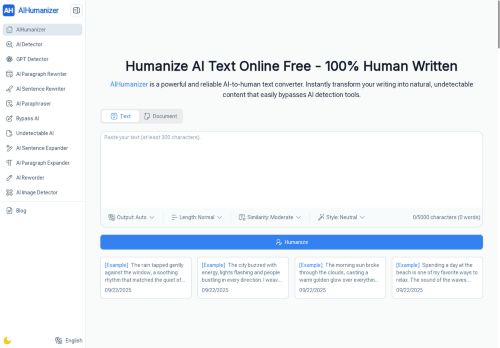

About AIHumanizer.work
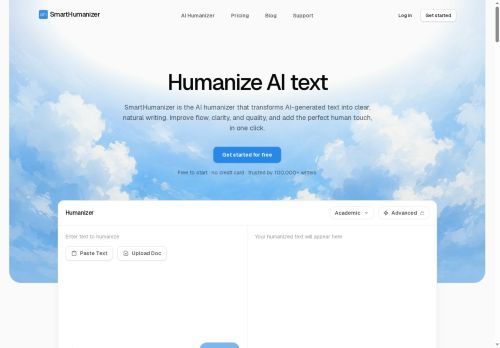
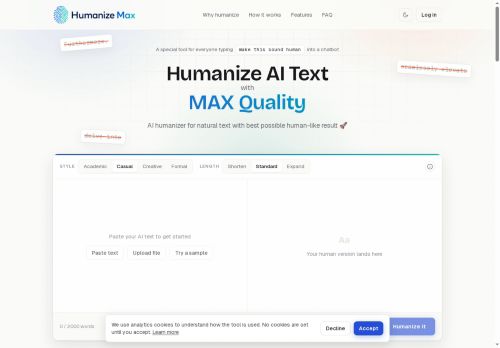
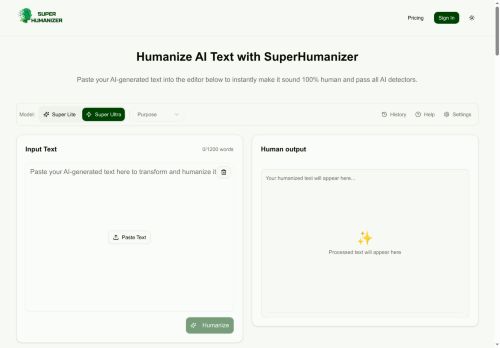
The tool includes a built-in AI detector, multilingual options, and unlimited use without sign-up.Users can copy or download results in TXT, PDF, or Word formats.Ideal for students, creators, marketers, and professionals, AI Humanizer helps produce authentic, human-like text for essays, blogs, reports, and more while ensuring privacy and data security.
Key Features
- Natural language conversion
- File upload support for PDF and Word
- Customizable content styles
- Built-in AI detection tools
- No text storage after processing
Use Cases
- Transform dry academic papers into engaging articles using AI Humanizer's customizable styles, ensuring clarity and readability while maintaining essential ideas
- Enhance the quality of business reports by converting AI-generated drafts into polished, professional language with AI Humanizer, making complex data more accessible to stakeholders
- Create captivating blog content from AI-generated outlines, using AI Humanizer to infuse a conversational tone and engaging language, drawing in readers while ensuring the message remains intact
Who is it for?
- Content creators
- Product designers
- E-commerce sellers
- Writers
- Marketers
Based on 8 verified user reviews — Average rating: 4.38/5

@benjaminedwards580
TurkeyArayüzü temiz, çıktı kalitesi iyi. Günlük işlerimde sık kullanıyorum.

@amandaroberts5638
TurkeyDetailed take after daily use: AIHumanizer.work is strongest on speed and decent on quality when the brief is clear. I tested it against two alternatives on the same tasks (blog outline, meeting notes cleanup, and a short product FAQ). AIHumanizer.work was the fastest and produced the least awkward tone. Weak points are edge cases — niche jargon and multi-step instructions sometimes drift. I solved that with a saved prompt style guide. Pricing is okay if you actually use it several times a week; otherwise the free tier may be enough. Overall I would recommend it to freelancers and small teams who need reliable first drafts, not final publish-ready copy every time.

@nicolegreen6742
TurkeyI have been using AIHumanizer.work for a few weeks on real client work, not just demos. The first week was mostly learning prompts and figuring out which templates stick. After that, drafting time dropped noticeably — especially for outlines, email replies, and first-pass summaries. It is not flawless: long documents sometimes lose structure, and I still fact-check anything important. Still, for a busy week it has become one of the tools I open without thinking. If you already have a clear workflow, AIHumanizer.work fits in cleanly. If you expect magic with zero editing, you will be disappointed. For me, the time saved on the boring middle steps is worth it.

More Paraphraser AI Tools
Explore other paraphraser tools with user ratings, pricing details, and in-depth descriptions. Updated regularly by our editorial team.