
About TwoShot.app
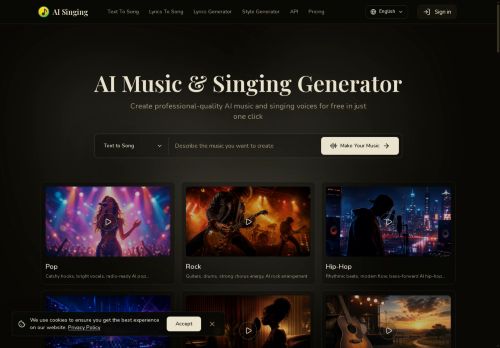
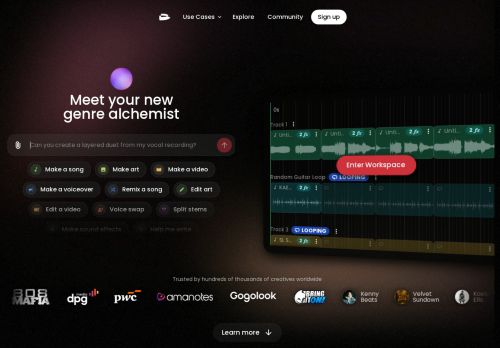
Create original tracks, beats, and arrangements from text prompts with an AI music generator and MIDI tools for musicians and producers.
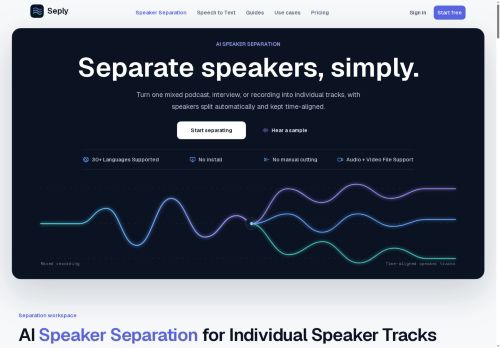
Isolate vocals, drums, bass, and instruments using stem separation for remixing, sampling, and karaoke workflows.
Clean up recordings with noise reduction, vocal cleanup, and audio restoration to improve clarity for podcasts, interviews, and voiceovers.
Produce voiceovers and character voices via text-to-speech, voice enhancement, and vocal transformation tools.
Generate custom sound effects and foley for games, videos, and ads, and remix or extend songs with AI-assisted editing.
Arrange, compose, and export in-browser with the integrated online DAW, access a 200,000+ royalty-free sample library, and use API and collaboration features for studio-grade production.
Key Features
- AI music generation from text prompts
- Stem separation to isolate vocals, drums, bass, and instruments
- Audio cleanup (background noise removal and clarity enhancement)
- Custom sound effects and foley generation
- Voice tools: text-to-speech, voice cloning, and vocal transformation
Use Cases
- Create full-length, royalty-free music tracks from simple text prompts using TwoShot Coproducer’s AI music generator and in-browser DAW, then export polished stems and mixes ready for YouTube videos, podcasts, or social content without advanced production skills
- Quickly isolate vocals and separate stems from existing recordings, then clean and restore noisy or damaged audio with TwoShot Coproducer to prepare professional-quality stems for remixes, sample packs, or real-time collaboration sessions in the online studio
- Generate custom voiceovers and sound effects with text-to-speech and SFX tools, supplement productions using the royalty-free sample library, and scale integration into apps, games, or pipelines via the TwoShot Coproducer API for fast, end-to-end audio production
Who is it for?
- Music producers
- Sound designers
- Podcast creators
- Instrumental musicians
- Software developers
Based on 7 verified user reviews — Average rating: 3.71/5

@marilynadams2442
TurkeyI have been using TwoShot.app for a few weeks on real client work, not just demos. The first week was mostly learning prompts and figuring out which templates stick. After that, drafting time dropped noticeably — especially for outlines, email replies, and first-pass summaries. It is not flawless: long documents sometimes lose structure, and I still fact-check anything important. Still, for a busy week it has become one of the tools I open without thinking. If you already have a clear workflow, TwoShot.app fits in cleanly. If you expect magic with zero editing, you will be disappointed. For me, the time saved on the boring middle steps is worth it.

@henryortiz2394
TurkeyArayüz sezgisel. Denediğim benzer araçlara göre öğrenmesi daha kolay.
More Audio AI Tools
Explore other audio tools with user ratings, pricing details, and in-depth descriptions. Updated regularly by our editorial team.