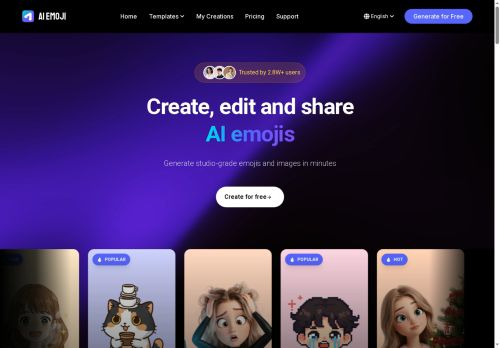

About AI Emoji
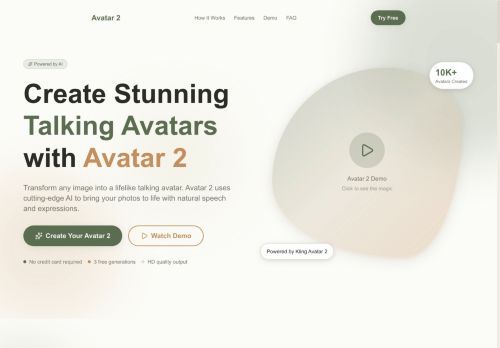
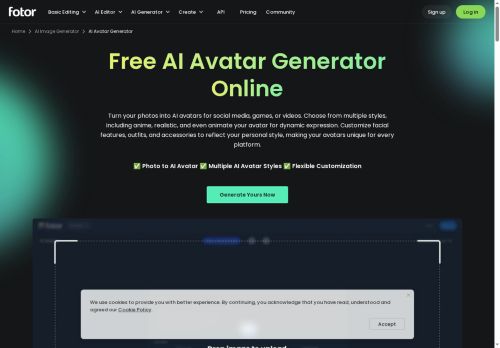
Upload a clear frontal photo, choose from styles and templates (Pixar-style 3D, Ghibli, pixel art, iOS Memoji, Q-version, meme) and add text overlays or props.
Output options include HD JPG/PNG images and animated GIF sticker packs in square, portrait, or landscape ratios.
Built-in templates and style presets streamline creation for social media posts, chat apps, profile pictures, and marketing assets.
Smart recognition and fast processing produce ready-to-share emojis and avatar images within seconds.
Customizable settings let users adjust mood, lighting, and expressions without manual design skills.
Key Features
- AI photo-to-emoji conversion
- Smart recognition for face detection and photo analysis
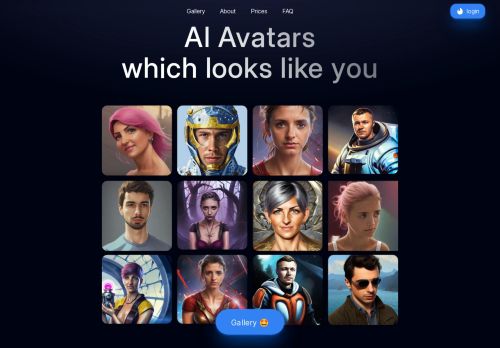
- Multiple artistic styles and themes (e.g., Pixar, Ghibli, Pixel Art, Memoji)
- Template and customization tools (text overlay, props, aspect ratio selection)
- HD static images (JPG/PNG) and animated sticker GIF output
Use Cases
- Create eye-catching profile avatars and animated sticker packs from a single selfie in selectable styles (Pixar, Ghibli, pixel art, Memoji), exporting HD JPG/PNG or GIFs for stories, posts and messaging — quick processing and privacy-focused so you can refresh your online identity without exposing raw photos
- Produce custom animated emoji sticker packs and emotes for streamers, content creators and communities with adjustable mood and lighting to match your channel aesthetic, delivering ready-to-use GIFs and PNGs for chat, overlays and subscriber perks without technical setup
- Generate consistent, template-based avatar sets for teams, apps or games with multiple expressions and export-ready assets for onboarding, user profiles and in-app use, enabling branded identity and user privacy by transforming photos into stylized avatars
Who is it for?
- Digital artists
- E-commerce sellers
- Content creators
- Product designers
- Marketing managers
Based on 10 verified user reviews — Average rating: 4.00/5

@nataliemendoza6723
TurkeyI have been using AI Emoji for a few weeks on real client work, not just demos. The first week was mostly learning prompts and figuring out which templates stick. After that, drafting time dropped noticeably — especially for outlines, email replies, and first-pass summaries. It is not flawless: long documents sometimes lose structure, and I still fact-check anything important. Still, for a busy week it has become one of the tools I open without thinking. If you already have a clear workflow, AI Emoji fits in cleanly. If you expect magic with zero editing, you will be disappointed. For me, the time saved on the boring middle steps is worth it.

@anthonyroberts4670
TurkeyGenel olarak sağlam bir araç. Küçük eksikleri var ama her hafta zaman kazandırıyor.

@jamestorres7543
Turkeyİş akışıma gerçekten faydası oldu. Kurulumu kolaydı ve sonuçlar beklediğimden iyi çıktı.


@terrymiller7953
TurkeyDaha iyi prompt yazınca çıktı kalitesi net yükseldi. Kullanışlı buldum.

@patriciamorales8887
TurkeyArayüzü temiz, çıktı kalitesi iyi. Günlük işlerimde sık kullanıyorum.
More Avatars AI Tools
Explore other avatars tools with user ratings, pricing details, and in-depth descriptions. Updated regularly by our editorial team.