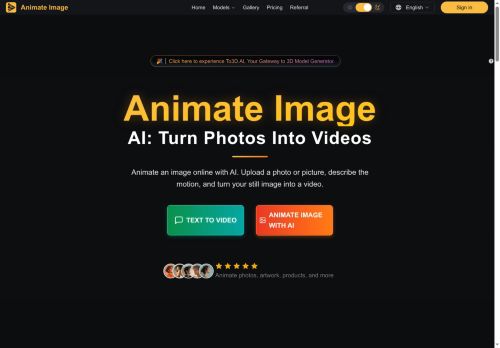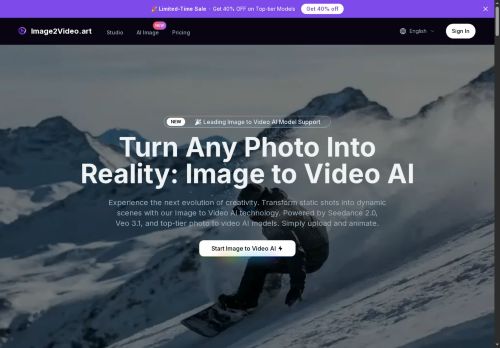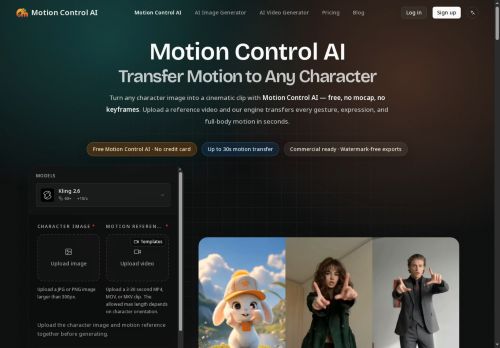

About Vidlux AI
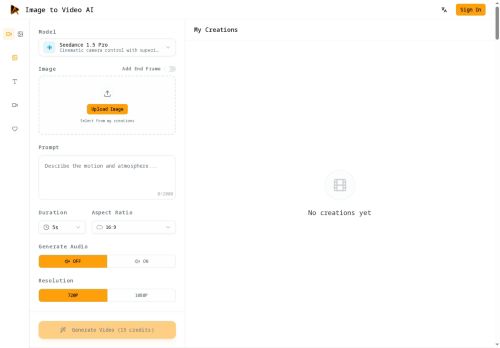
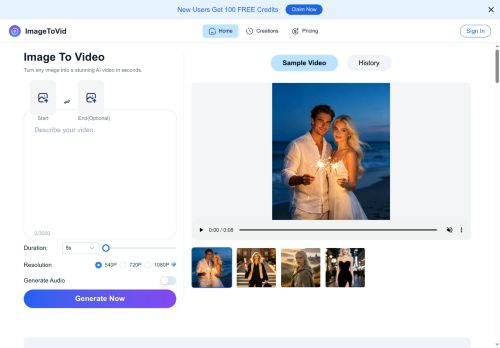
Users upload photos, illustrations or product images, set aspect ratio and duration, add motion prompts, and define first/last frames for controlled transformations.The workspace enables model comparison, camera and motion control, and preservation of faces, hair and original composition.
Use cases include product and e-commerce visuals, short-form social ads and creative testing, character and concept animation, and storyboard previsualization.Outputs support synchronized audio, preview and download for rapid iteration of AI-generated image-to-video content.
Key Features
- Image-to-video conversion with added motion, camera movement, and timed transitions
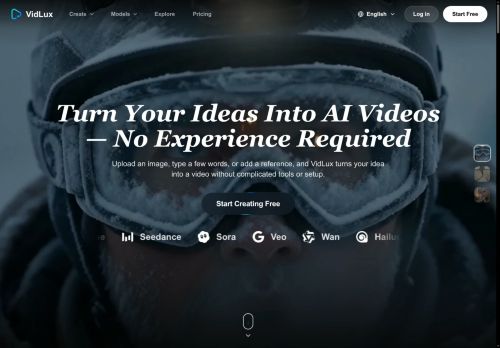
- Multiple specialized models (Veo, Kling, Seedance, Wan, etc.) for cinematic, character, natural, or stylized animation
- User controls to upload images, set aspect ratio and duration, add motion prompts, and define first/last frames
- Workspace tools for model comparison, camera and motion control, and preservation of faces, hair, and original composition
- Outputs supporting synchronized audio, preview, and download
Use Cases
- Create cinematic product showcase videos from static photos using Vidlux's camera moves, timed transitions and synchronized audio to produce short, attention-grabbing ads and ecommerce demos without reshoots
- Animate portrait and model photos for social media or influencer content while preserving faces and hair, compare cinematic versus stylized models, and export short reels with synchronized audio
- Convert illustrations, scene stills or character art into story-driven short clips with frame control, character or stylized animation models and seamless transitions for promo teasers, intros or animated storybook pages
Who is it for?
- Motion designers
- Character animators
- Video editors
- Content creators
- Promotional video makers
Based on 5 verified user reviews — Average rating: 3.80/5

@donnacooper9443
TurkeyI like Vidlux AI more than expected. Clean UX and dependable outputs.

@nicholasphillips334
TurkeySade, odaklı ve şişirilmemiş. Bu bile birçok AI aracından ayırıyor.

@dylanlong9964
TurkeyTried Vidlux AI for a week and it stuck. Good balance of quality and simplicity.


@lleross8398
United StatesUsing Vidlux AI regularly now. Saves time when the brief is clear.

@gregoryturner8728
TurkeyI have been using Vidlux AI for a few weeks on real client work, not just demos. The first week was mostly learning prompts and figuring out which templates stick. After that, drafting time dropped noticeably — especially for outlines, email replies, and first-pass summaries. It is not flawless: long documents sometimes lose structure, and I still fact-check anything important. Still, for a busy week it has become one of the tools I open without thinking. If you already have a clear workflow, Vidlux AI fits in cleanly. If you expect magic with zero editing, you will be disappointed. For me, the time saved on the boring middle steps is worth it.
More Animation Generation AI Tools
Explore other animation generation tools with user ratings, pricing details, and in-depth descriptions. Updated regularly by our editorial team.