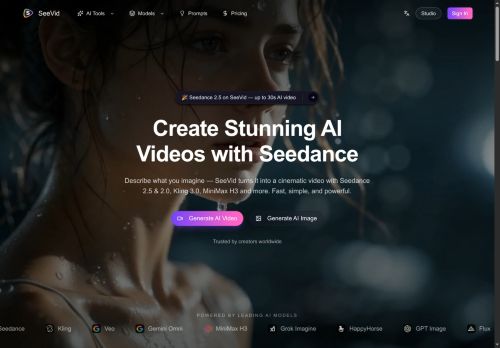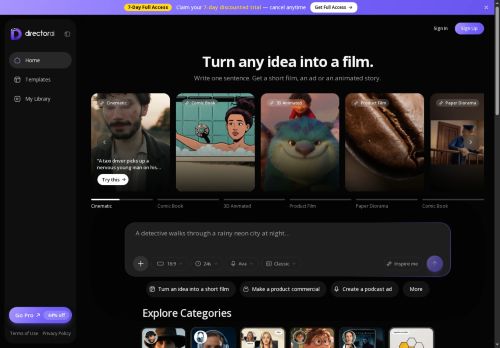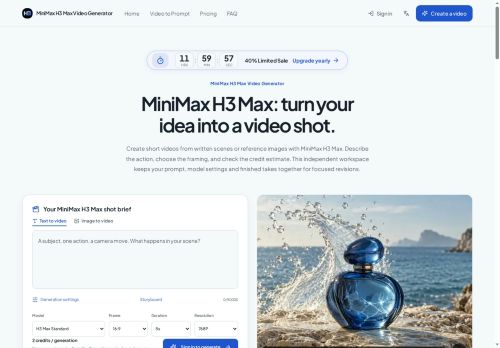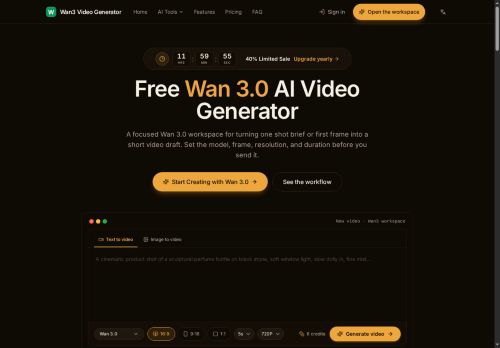

About flux3-ai.com
Upload JPEG/PNG/WebP references (up to 24 MB) to guide subject, style, lighting, and continuity across shots; maintain consistent elements like character, product, or camera angle.Control motion with keyframes, generate clips up to 20 seconds and stitch sequences for longer scenes; choose aspect ratios and quality settings (1k–4k).
Use reference-led editing to iterate product photography, social video ads, storyboards, and animated typography without switching tools.Outputs support photographic, illustrative, cinematic, and graphic styles with text rendering and layout options for campaign assets.
The unified workspace streamlines moving from still concepts to motion by reusing generated results as new visual references.
Key Features
- Multimodal generation: text-to-image, text-to-video, image-to-video, and video-to-video workflows
- Reference uploads (JPEG/PNG/WebP up to 24 MB) to guide subject, style, lighting and maintain continuity/consistent elements across shots
- Motion control with keyframes, clip generation up to 20 seconds, sequence stitching, selectable aspect ratios (4:3, 1:1, 16:9, 9:16, 3:4) and quality settings (1k–4k)
- Native audio and multilingual dialogue support
- Unified workspace with reference-led editing, reuse of generated results as new visual references, and output styles with text rendering and layout options
Use Cases
- Create platform-optimized social video ads by converting product photos and copy into polished 10–20s clips with 1k–4k output, keyframe motion control for dynamic camera moves, reusable brand references and multiple aspect ratios for Instagram Reels, TikTok and YouTube Shorts
- Turn static images or moodboards into animated product showcases and hero banners using image-to-video and text-to-video prompts, applying reference-guided editing and keyframe animation to highlight features with smooth motion and export-ready resolutions
- Edit and repurpose existing footage into short promo clips or cinematic teasers using video-to-video editing, apply consistent color grading and composition with reusable references, then produce multiple format outputs for ads, social posts and landing pages
Who is it for?
- Graphic designers
- Filmmakers
- Storyboard artists
- Animators
- Product photographers
Based on 6 verified user reviews — Average rating: 4.33/5

@philipallen7758
TurkeyI have been using flux3-ai.com for a few weeks on real client work, not just demos. The first week was mostly learning prompts and figuring out which templates stick. After that, drafting time dropped noticeably — especially for outlines, email replies, and first-pass summaries. It is not flawless: long documents sometimes lose structure, and I still fact-check anything important. Still, for a busy week it has become one of the tools I open without thinking. If you already have a clear workflow, flux3-ai.com fits in cleanly. If you expect magic with zero editing, you will be disappointed. For me, the time saved on the boring middle steps is worth it.

@anthonykelly8058
TurkeyUsing flux3-ai.com for drafts and summaries. Cuts friction without feeling complicated.

@deborahscott1137
TurkeyGenel olarak sağlam bir araç. Küçük eksikleri var ama her hafta zaman kazandırıyor.


@ryanhoward1412
Turkeyflux3-ai.com is promising. A couple of features are missing, but the core is strong.

@anthonytaylor8544
TurkeyDetailed take after daily use: flux3-ai.com is strongest on speed and decent on quality when the brief is clear. I tested it against two alternatives on the same tasks (blog outline, meeting notes cleanup, and a short product FAQ). flux3-ai.com was the fastest and produced the least awkward tone. Weak points are edge cases — niche jargon and multi-step instructions sometimes drift. I solved that with a saved prompt style guide. Pricing is okay if you actually use it several times a week; otherwise the free tier may be enough. Overall I would recommend it to freelancers and small teams who need reliable first drafts, not final publish-ready copy every time.
More Text-to-video AI Tools
Explore other text-to-video tools with user ratings, pricing details, and in-depth descriptions. Updated regularly by our editorial team.