
About Photo to Video
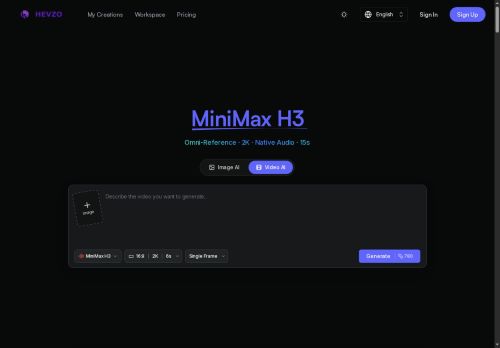
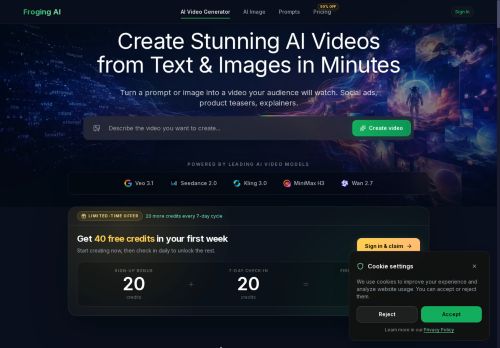
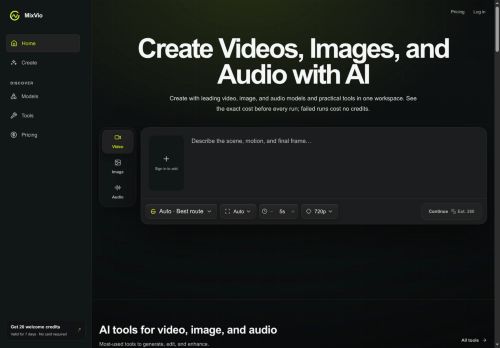
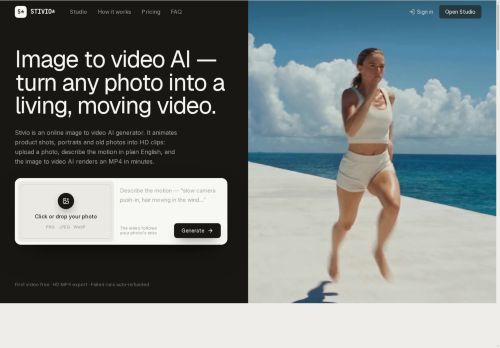
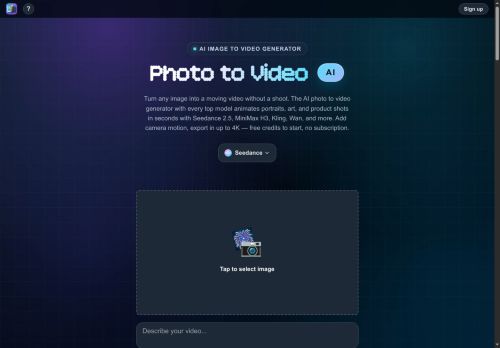
Photo to Video is an AI photo to video generator that puts every top video model behind one credit balance.Upload a photo or write a prompt, pick a model like Seedance 2.5, Wan 2.7, MiniMax H3, Kling 3.
0, Vidu Q3, Grok Imagine, LTX 2.5 and more — and get a finished video with camera motion and native audio, up to 4K.Most AI video tools wrap a single model and charge monthly; here you can draft on a cheap fast model and finish the same shot on a flagship without paying twice.
Beyond photo to video there are transition, fusion, motion-control, extend, upscale, and AI image-editing modes.Free credits to start, pay per video after, no subscription.Web, iOS, and macOS.
Key Features
Use Cases
Who is it for?
0, Vidu Q3, Grok Imagine, LTX 2.5 and more — and get a finished video with camera motion and native audio, up to 4K.Most AI video tools wrap a single model and charge monthly; here you can draft on a cheap fast model and finish the same shot on a flagship without paying twice.
Beyond photo to video there are transition, fusion, motion-control, extend, upscale, and AI image-editing modes.Free credits to start, pay per video after, no subscription.Web, iOS, and macOS.
Key Features
- Converts still photos into short physically-plausible video clips with prompt-driven camera and action controls (push, orbit, handheld)
- Selectable model options that trade off speed and output quality
- Native lip-sync support
- Multi-shot storyboarding for coherent sequences with consistent character appearance using reference images
- Runs generation in the browser with an optional companion iOS app, downloadable produced clips, and a compare slider to review original photo vs generated video
Use Cases
- Create attention-grabbing product demo clips from still product photos using Kling AI's prompt-driven camera controls (push, orbit, handheld), multi-quality/speed models and in-browser exports to produce ready-to-share MP4s for social ads
- Animate family portraits or historical photos into short, lip-synced storytelling videos with consistent character references and multi-shot storyboard sequencing—generate in-browser, tweak camera/action prompts for physically plausible motion, then download to share or archive
- Develop cinematic shotlists and proof-of-concept scenes for indie films or game cinematics by converting concept art and character references into prompt-controlled, physically plausible motion sequences with native lip-sync, multi-shot storyboarding and downloadable high-quality renders
Who is it for?
- Social media creators and influencers
- Digital marketers and advertisers
- Photographers and portrait studios
- Video editors and indie filmmakers
- Content creators and storytellers
- E‑commerce product marketers
- Archivists, historians and genealogists
- App and game developers
- Casual users animating personal photos
- Creative agencies and production studios
No review yet!
More Video AI Tools
Explore other video tools with user ratings, pricing details, and in-depth descriptions. Updated regularly by our editorial team.