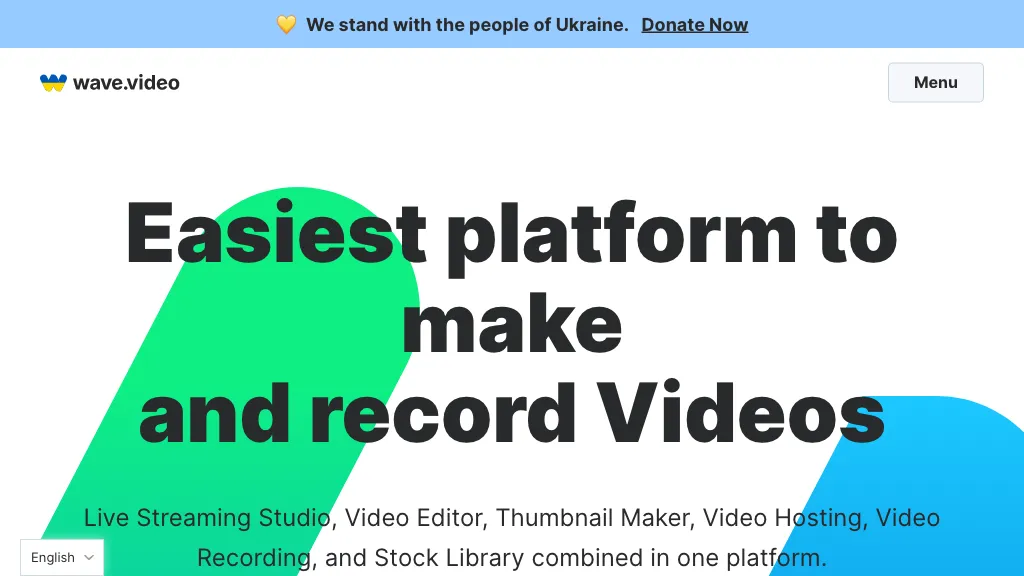

About Wave.Video
Based on 8 verified user reviews — Average rating: 4.00/5

@seanbrooks1307
TurkeyBelow expectations. Occasional useful bits, but too many errors to trust for real work.

@jessereed5879
TurkeyDetailed take after daily use: Wave.Video is strongest on speed and decent on quality when the brief is clear. I tested it against two alternatives on the same tasks (blog outline, meeting notes cleanup, and a short product FAQ). Wave.Video was the fastest and produced the least awkward tone. Weak points are edge cases — niche jargon and multi-step instructions sometimes drift. I solved that with a saved prompt style guide. Pricing is okay if you actually use it several times a week; otherwise the free tier may be enough. Overall I would recommend it to freelancers and small teams who need reliable first drafts, not final publish-ready copy every time.

@christophersanders70
TurkeyWhat surprised me about Wave.Video is how little friction there is once you set preferences. I keep a short checklist: audience, tone, must-include points, and forbidden phrases. With that, outputs are consistently usable. Without it, results feel generic. I also like that I can iterate quickly instead of restarting from a blank page. Missing features for me: better version history and clearer export options. Even so, it has replaced a couple of scattered tools in my stack. Rating reflects practical value in my week, not hype from the landing page.

More Video AI Tools
Explore other video tools with user ratings, pricing details, and in-depth descriptions. Updated regularly by our editorial team.