
About youtube-to-transcript.ai
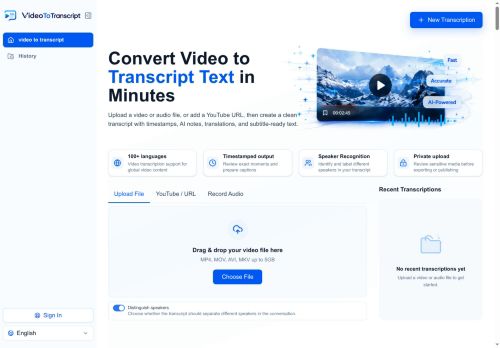
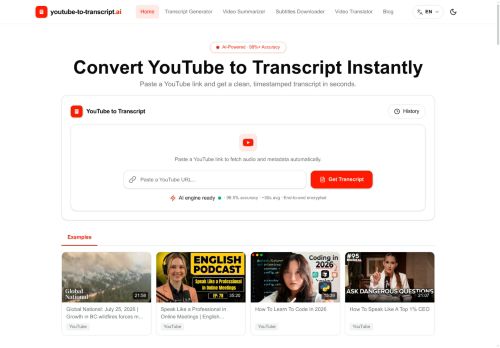
Transcription outputs include plain text, DOCX, SRT, VTT and CSV for subtitle workflows and content planning.
Built-in AI summaries and auto-generated chapter markers create concise bullet summaries and highlight key moments for faster review.
Speaker labels, clickable timestamps and searchable transcripts let users jump to exact sentences without replaying video.
Automatic language detection, translation support for 100+ languages and subtitle generation enable global reuse and accessibility.
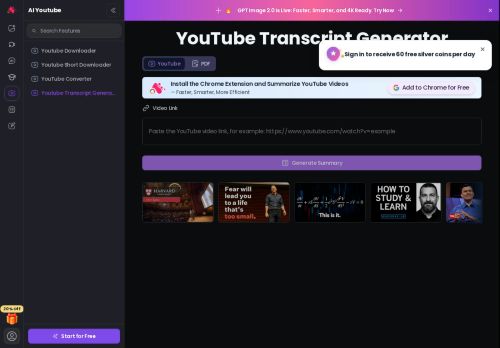
Supports watch links, shorts and embedded videos, handles long recordings, and reports accuracy up to 98.5% with average processing times around 30 seconds.
Useful for students, creators, journalists, researchers, editors and marketers who need transcripts for notes, quotes, captions, repurposing and analysis.
Key Features
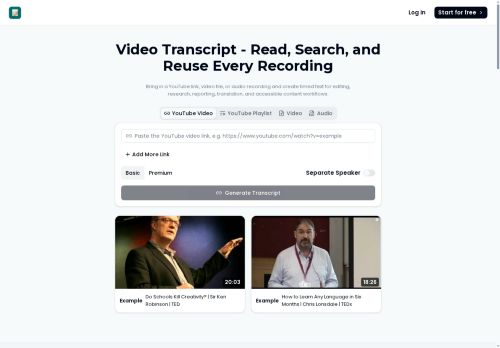
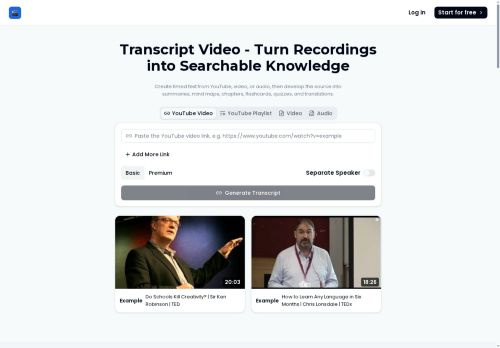
- Converts YouTube videos into clean, timestamped transcripts and downloadable subtitles
- Exports transcription outputs in multiple formats: plain text, DOCX, SRT, VTT, and CSV
- Built-in AI summaries and auto-generated chapter markers (concise bullet summaries and highlighted key moments)
- Speaker labels, clickable timestamps, and searchable transcripts for jumping to exact sentences
- Automatic language detection and translation support for 100+ languages with subtitle generation
Use Cases
- Convert long YouTube videos, shorts, and embeds into timestamped, searchable transcripts with speaker labels and clickable timestamps, export downloadable subtitles (SRT, VTT, TXT, DOCX, CSV) and AI-generated summaries and chapter markers to repurpose video content into blog posts, newsletters, and social clips using this tool
- Create study guides and research notes by turning recorded lectures and webinars into editable DOCX/CSV transcripts with speaker attribution, AI summaries and chapter markers, then translate transcripts into 100+ languages for global student accessibility using this tool
- Build a multilingual searchable knowledge base and SEO-friendly content hub by auto-generating subtitles and searchable transcripts for product demos and webinars, extracting timestamped quotes for documentation and customer support, and exporting translation-ready subtitle files for localization using this tool
Who is it for?
- Content creators
- Marketers
- Editors
- Translators
- Educators
Based on 10 verified user reviews — Average rating: 3.80/5

@alicelopez9539
TurkeyDetailed take after daily use: youtube-to-transcript.ai is strongest on speed and decent on quality when the brief is clear. I tested it against two alternatives on the same tasks (blog outline, meeting notes cleanup, and a short product FAQ). youtube-to-transcript.ai was the fastest and produced the least awkward tone. Weak points are edge cases — niche jargon and multi-step instructions sometimes drift. I solved that with a saved prompt style guide. Pricing is okay if you actually use it several times a week; otherwise the free tier may be enough. Overall I would recommend it to freelancers and small teams who need reliable first drafts, not final publish-ready copy every time.

@josephpatel1922
TurkeyGood value so far. The free tier was enough to evaluate, and the paid features feel justified.

@eranderwood5660
TurkeyBaşlangıç için olur. Çok düzenliyorum ama boş sayfadan iyidir.


@nathantorres3911
TurkeySade, odaklı ve şişirilmemiş. Bu bile birçok AI aracından ayırıyor.

@oliviataylor9944
TurkeyGreat for brainstorming and first drafts. Saved me at least a couple of hours this month.
More Transcriber AI Tools
Explore other transcriber tools with user ratings, pricing details, and in-depth descriptions. Updated regularly by our editorial team.