
About youtube-to-transcript.ai
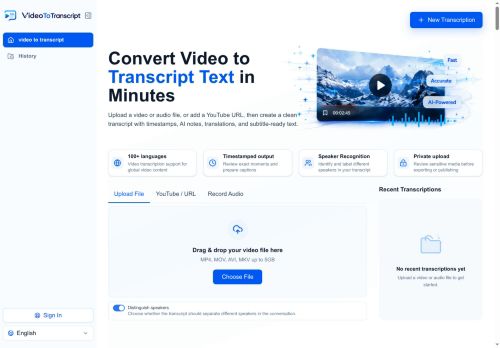
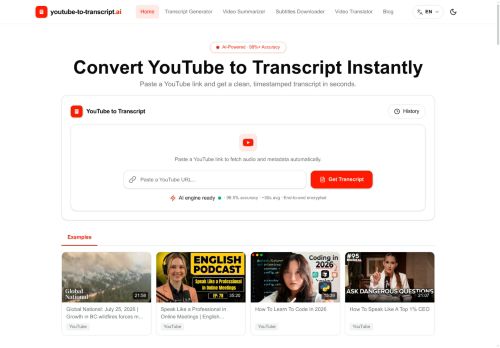
Transcription outputs include plain text, DOCX, SRT, VTT and CSV for subtitle workflows and content planning.
Built-in AI summaries and auto-generated chapter markers create concise bullet summaries and highlight key moments for faster review.
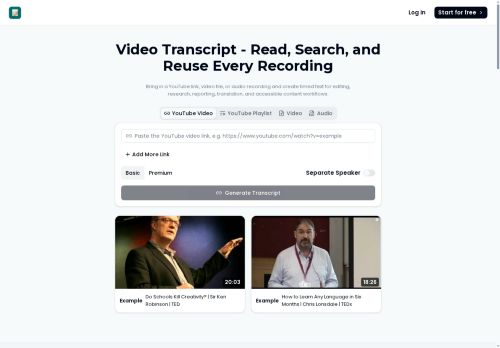
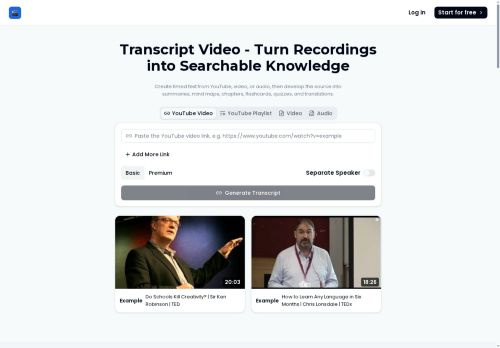
Speaker labels, clickable timestamps and searchable transcripts let users jump to exact sentences without replaying video.
Automatic language detection, translation support for 100+ languages and subtitle generation enable global reuse and accessibility.
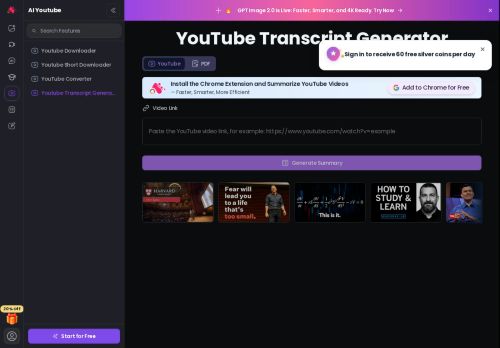
Supports watch links, shorts and embedded videos, handles long recordings, and reports accuracy up to 98.5% with average processing times around 30 seconds.
Useful for students, creators, journalists, researchers, editors and marketers who need transcripts for notes, quotes, captions, repurposing and analysis.
Key Features
- Converts YouTube videos into clean, timestamped transcripts and downloadable subtitles
- Exports transcription outputs in multiple formats: plain text, DOCX, SRT, VTT, and CSV
- Built-in AI summaries and auto-generated chapter markers (concise bullet summaries and highlighted key moments)
- Speaker labels, clickable timestamps, and searchable transcripts for jumping to exact sentences
- Automatic language detection and translation support for 100+ languages with subtitle generation
Use Cases
- Convert long YouTube videos, shorts, and embeds into timestamped, searchable transcripts with speaker labels and clickable timestamps, export downloadable subtitles (SRT, VTT, TXT, DOCX, CSV) and AI-generated summaries and chapter markers to repurpose video content into blog posts, newsletters, and social clips using this tool
- Create study guides and research notes by turning recorded lectures and webinars into editable DOCX/CSV transcripts with speaker attribution, AI summaries and chapter markers, then translate transcripts into 100+ languages for global student accessibility using this tool
- Build a multilingual searchable knowledge base and SEO-friendly content hub by auto-generating subtitles and searchable transcripts for product demos and webinars, extracting timestamped quotes for documentation and customer support, and exporting translation-ready subtitle files for localization using this tool
Who is it for?
- Content creators
- Marketers
- Editors
- Translators
- Educators
Based on 10 verified user reviews — Average rating: 3.80/5

@margaretbrooks7291
TurkeyArayüzü temiz, çıktı kalitesi iyi. Günlük işlerimde sık kullanıyorum.

@juanrogers6839
TurkeyI have been using youtube-to-transcript.ai for a few weeks on real client work, not just demos. The first week was mostly learning prompts and figuring out which templates stick. After that, drafting time dropped noticeably — especially for outlines, email replies, and first-pass summaries. It is not flawless: long documents sometimes lose structure, and I still fact-check anything important. Still, for a busy week it has become one of the tools I open without thinking. If you already have a clear workflow, youtube-to-transcript.ai fits in cleanly. If you expect magic with zero editing, you will be disappointed. For me, the time saved on the boring middle steps is worth it.

@unaeene1645
TurkeyOrtalama bir deneyim. Bazen işe yarıyor, bazen yoruyor.


@dianacarter68
TurkeySinir bozucu. Arayüz hataları, rastgele çıkışlar ve deneme bitince kalite düştü.

@larrypeterson8191
Turkeyyoutube-to-transcript.ai helped me move faster on routine tasks. Happy with the results so far.
More Transcriber AI Tools
Explore other transcriber tools with user ratings, pricing details, and in-depth descriptions. Updated regularly by our editorial team.