
About DesignHint - Image to Image
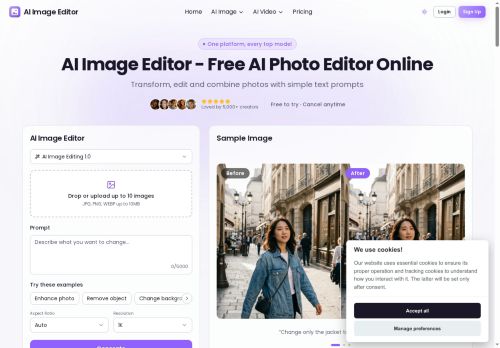
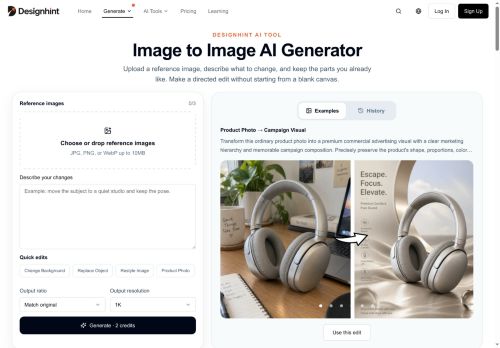
Designhint Image to Image AI Generator edits images by applying prompt-guided changes to a reference image while preserving specified elements.
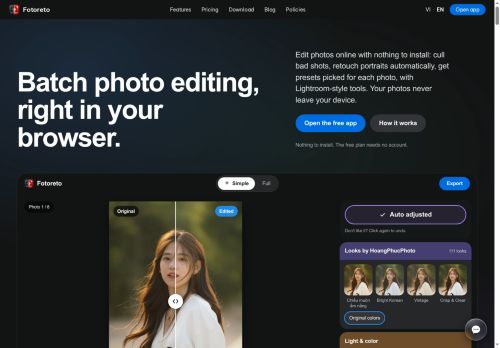
It accepts one or more reference images and uses plain-language instructions to perform targeted edits such as background replacement, object swaps, retouching, restyling, text changes, and watermark removal.
The tool supports iterative refinement so you can generate a result, review it, and adjust the prompt to tune composition, lighting, and details. No special prompt syntax is required; concise, specific instructions produce clearer edits and help maintain subject pose and camera viewpoint.
It can combine multiple references to merge subject and scene elements and produce either photorealistic or stylized outputs depending on the prompt. Editing is prompt-driven and focuses on controlled revisions rather than pixel-level mask or brush tooling.
Key Features
Use Cases
Who is it for?
It accepts one or more reference images and uses plain-language instructions to perform targeted edits such as background replacement, object swaps, retouching, restyling, text changes, and watermark removal.
The tool supports iterative refinement so you can generate a result, review it, and adjust the prompt to tune composition, lighting, and details. No special prompt syntax is required; concise, specific instructions produce clearer edits and help maintain subject pose and camera viewpoint.
It can combine multiple references to merge subject and scene elements and produce either photorealistic or stylized outputs depending on the prompt. Editing is prompt-driven and focuses on controlled revisions rather than pixel-level mask or brush tooling.
Key Features
- Prompt-guided edits that preserve specified elements of reference images
- Accepts and combines one or more reference images to merge subject and scene elements
- Uses plain-language prompts (no special syntax required) for targeted editing
- Supports iterative refinement via prompt adjustments to tune composition, lighting, and details
- Performs targeted edits such as background replacement, object swaps, retouching, restyling, text changes, and watermark removal
Use Cases
- Produce multiple e-commerce product variants using the image-to-image generator by replacing backgrounds, swapping props or colors and preserving product details and model pose for consistent, conversion-optimized listings and A/B testing without complex prompt syntax
- Retouch and restyle portrait or fashion photos—remove blemishes, change outfits, replace backgrounds and update on-image text or watermarks while keeping the subject's pose intact, iteratively refining edits until you achieve editorial-ready imagery using the image-to-image generator
- Create composite concept art and marketing visuals by merging multiple reference images, performing object swaps and reworking scene elements with prompt-driven edits to rapidly explore creative variations and fine-tune compositions across iterations
Who is it for?
- Photographers
- Graphic designers
- Social media managers
- Content creators and influencers
- E-commerce sellers and product photographers
- Marketing and advertising agencies
- Product and fashion designers
- Film, tv, and game artists
- Real estate and property marketers
- Hobbyist photo editors
No review yet!
More Image editing AI Tools
Explore other image editing tools with user ratings, pricing details, and in-depth descriptions. Updated regularly by our editorial team.